Upgrading to Windows 11 — Will FSX and FSDS Still Work?

At the end of last year, I finally decided to part ways with the Windows 10 system I had been using for so many years, and I got myself a Windows 11 machine.
Because I rely heavily on FSX and FSDS v3.5.1, I had been hesitant to upgrade.
But with Windows 10 support ending this year, I knew it was time to move on.
And so, I finally made the switch to Windows 11.
But the big question was:
Will FSX and FSDS install and run properly on Windows 11?
Here are my results.
FSX Installation
- Installing FSX on Windows 11 went smoothly. The installation completed without issues, and activation worked normally.
- Installing FSX Acceleration also went fine, but activation failed with the message:
“An unexpected error has occurred. Product activation could not be completed.”
Solution
- Open the Windows Registry Editor.
- Navigate to:
{4d36e967-e325-11ce-bfc1-08002be10318} - In UpperFilters, change “partmgr” to “PartMgr” (uppercase P and M).
That’s all it took.
After this small edit, activation succeeded without any problems.
FSDS Installation
- Installing FSDS v3.5.1 itself worked without any issues.
(I ran the installer beforehand in Windows XP Service Pack 3 compatibility mode.) - However, when compiling a model, the compiled aircraft folder did not appear in the usual Airplane directory.
The important exterior.log file also wasn’t generated, so I couldn’t confirm whether the compile succeeded.
After some investigation, I discovered that the compiled files were being redirected to:
AppData → Local → VirtualStore → Microsoft Games → Microsoft Flight Simulator X → SimObjects → Airplanes
Solution
- Set FSdesign35.exe to run in Windows XP Service Pack 3 compatibility mode (the default was Vista).
- And from now on, always launch FSDS as Administrator.
Otherwise, the output may again be redirected to the AppData VirtualStore. - After applying these settings, exterior.log appeared normally.
Problem solved!
Required Components for FSDS on Windows 11
To run FSDS properly, you’ll need:
- DirectX 9.0c / DirectX End-User Runtimes (June 2010)
- .NET Framework 3.5
- Visual C++ 2005/2008 Runtime (SP1 / x86)
Why I Still Enjoy FSX
FSX may be considered outdated today, but with the huge library of free add-ons, it remains an incredibly fun simulator.
Modern flight sims are more polished and visually stunning, but FSX can still achieve impressive accuracy depending on how you build your environment.
I believe the FS models I’ve built over the years are proof of that.
And with today’s PC hardware, FSX runs beautifully.
The PC I recently bought isn’t powerful enough for modern games, but it handles FSX scenery at LOD12 without any stress.
Now more than ever, I want to enjoy FSX again!
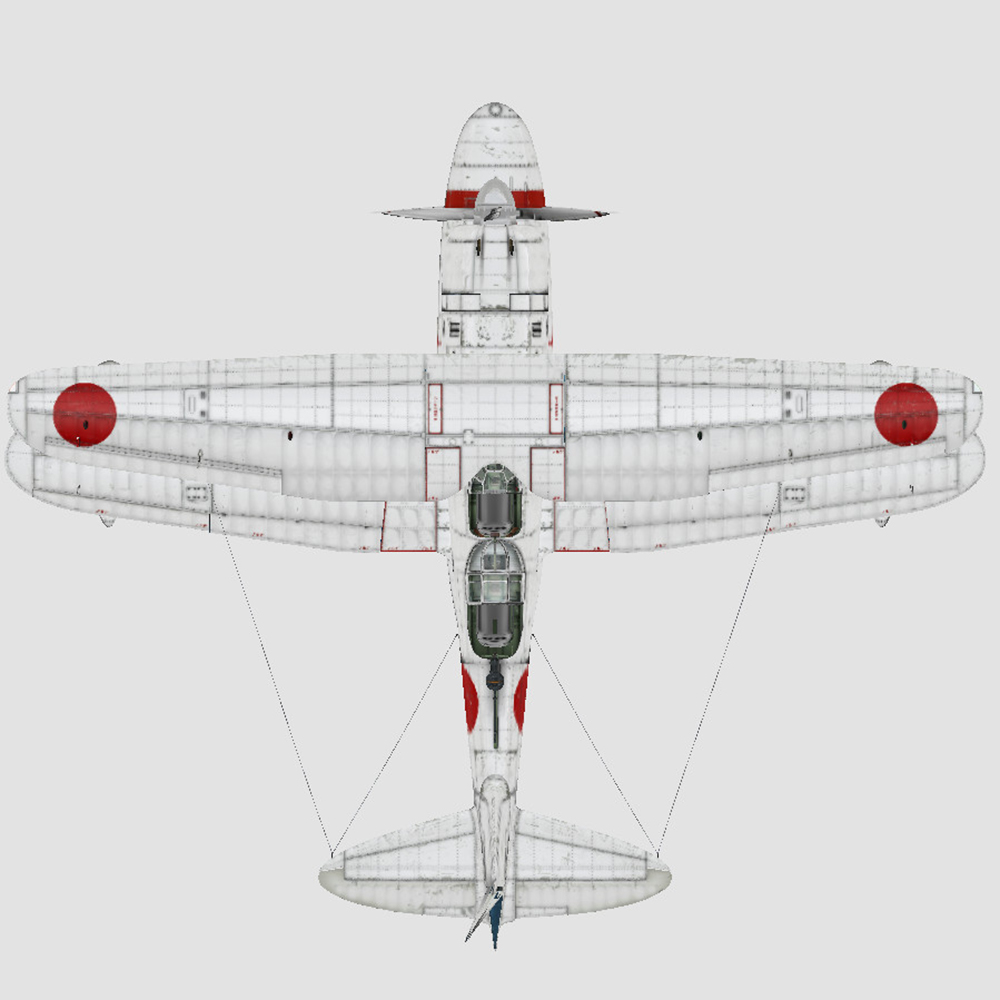
Bonus: Upgrading the Mitsubishi F1M2 “Zerokan”
Right now, I’m also upgrading my Mitsubishi F1M2 “Zerokan.”
It’s running about six months behind schedule…
But I’m really glad the transition to Windows 11 went smoothly — what a relief!